Running a Node on Testnet
Osmosis Installer
Join a network by using Osmosis Installer from https://get.osmosis.zone
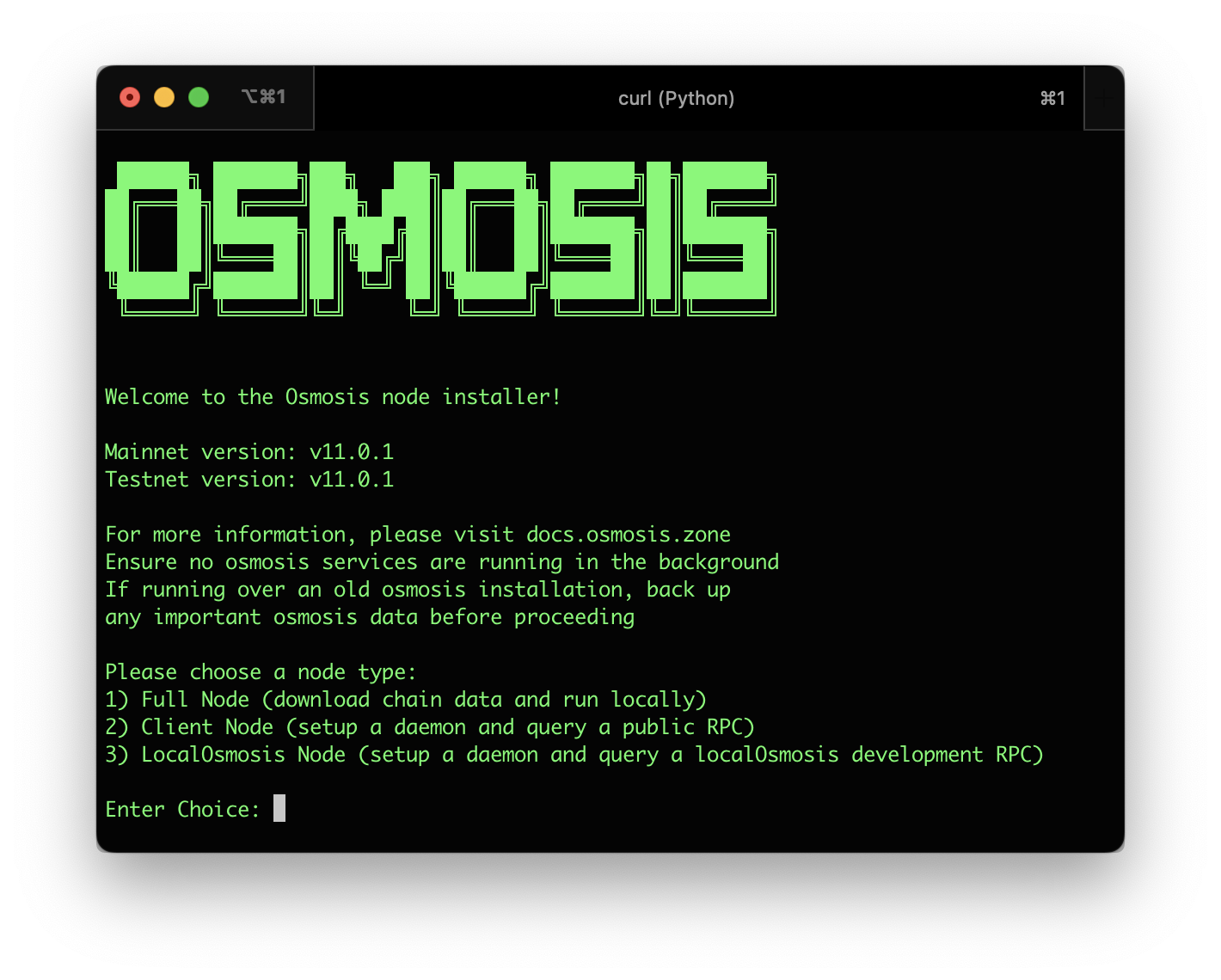
Simply run:
curl -sL https://get.osmosis.zone/install > i.py && python3 i.py
Osmosis CLI
Make sure you have installed the Osmosis Binary (CLI) prior to following the below instructions.
You may also use the Osmosis installer if you want everything to be done automatically.
Faucet
To get testnet tokens, use the faucet at faucet.testnet.osmosis.zone
Initialize Osmosis Node
Use osmosisd to initialize your node (replace the NODE_NAME with a name of your choosing):
osmosisd init NODE_NAME --chain-id=osmo-test-5
Open the config.toml to edit the seeds and persistent peers:
cd $HOME/.osmosisd/config
nano config.toml
Seed and peer addresses rotate as nodes are added or retired. Confirm the current osmo-test-5 values on the testnet tab of endpoints.osmosis.zone before applying.
Use page down or arrow keys to get to the line that says seeds = "" and replace it with the current seed list, for example:
seeds = "4eba5df8a8d5d00142db3771699cbcab241899f4@seed.testnet.osmosis.zone:26656"
Next, add persistent peers:
persistent_peers = "4eba5df8a8d5d00142db3771699cbcab241899f4@157.180.88.179:26656,279ab0841c40a9be872aa6f7ee3f04171fb2d96a@2.28.9.125:26656"
Then press Ctrl+O then enter to save, then Ctrl+X to exit
Set Up Cosmovisor
Set up cosmovisor to ensure future upgrades happen flawlessly. To install Cosmovisor:
go install cosmossdk.io/tools/cosmovisor/cmd/cosmovisor@latest
(You may also refer to the Cosmovisor installation instructions.)
Create the required directories:
mkdir -p ~/.osmosisd/cosmovisor
mkdir -p ~/.osmosisd/cosmovisor/genesis
mkdir -p ~/.osmosisd/cosmovisor/genesis/bin
mkdir -p ~/.osmosisd/cosmovisor/upgrades
Set the environment variables:
echo "# Setup Cosmovisor" >> ~/.profile
echo "export DAEMON_NAME=osmosisd" >> ~/.profile
echo "export DAEMON_HOME=$HOME/.osmosisd" >> ~/.profile
echo "export DAEMON_ALLOW_DOWNLOAD_BINARIES=false" >> ~/.profile
echo "export DAEMON_RESTART_AFTER_UPGRADE=true" >> ~/.profile
echo "export UNSAFE_SKIP_BACKUP=true" >> ~/.profile
source ~/.profile
You may leave out UNSAFE_SKIP_BACKUP=true, however the backup takes a decent amount of time and public snapshots of old states are available.
Download and replace the genesis file:
wget -O $HOME/.osmosisd/config/genesis.json https://genesis.testnet.osmosis.zone/genesis.json
Copy the current osmosisd binary into the cosmovisor/genesis folder:
cp $GOPATH/bin/osmosisd ~/.osmosisd/cosmovisor/genesis/bin
To check your work, ensure the version of cosmovisor and osmosisd are the same:
cosmovisor version
osmosisd version
These two commands should both output the current osmosisd version (for example v31.x.x; check the latest Osmosis release for the canonical tag).
Reset the node to a clean state before syncing:
osmosisd comet unsafe-reset-all
unsafe-reset-all wipes the blockchain database and the address book, and resets
data/priv_validator_state.json to genesis. That state file records the last height and round your
consensus key signed, and it is the safeguard that stops the node signing a conflicting vote at a
height it has already voted on.
Only run this on a fresh home directory that has never signed for an active validator. Running it on a home whose consensus key is in an active validator set can lead to double signing, which is slashed and permanently jails the validator (tombstoning). See Validator Security and Recovery before touching this on any node that has signed blocks.
Download Chain Data
Download the latest chain data from a snapshot provider. The official source is https://snapshots.osmosis.zone/ (testnet tab), which publishes pruned osmo-test-5 testnet snapshots. The snapshot URL is timestamped and rotates, so don't hardcode it: https://snapshots.testnet.osmosis.zone/latest always returns the URL of the newest one.
Download liblz4-tool to handle the compressed file:
sudo apt-get install wget liblz4-tool aria2 -y
Download the newest testnet snapshot and extract it into the data directory:
wget -q -O - $(curl -sL https://snapshots.testnet.osmosis.zone/latest) | lz4 -d | tar -C $HOME/.osmosisd -xvf -
Set Up Osmosis Service
Set up a service to allow cosmovisor to run in the background as well as restart automatically if it runs into any problems:
echo "[Unit]
Description=Cosmovisor daemon
After=network-online.target
[Service]
Environment="DAEMON_NAME=osmosisd"
Environment="DAEMON_HOME=${HOME}/.osmosisd"
Environment="DAEMON_RESTART_AFTER_UPGRADE=true"
Environment="DAEMON_ALLOW_DOWNLOAD_BINARIES=false"
Environment="UNSAFE_SKIP_BACKUP=true"
User=$USER
ExecStart=${HOME}/go/bin/cosmovisor run start
Restart=always
RestartSec=3
LimitNOFILE=infinity
LimitNPROC=infinity
[Install]
WantedBy=multi-user.target
" >cosmovisor.service
Move this new file to the systemd directory:
sudo mv cosmovisor.service /etc/systemd/system/cosmovisor.service
Previously, this documentation suggested to move the systemd unit file to:
/lib/systemd/system/cosmovisor.service
If dealing with a server that may have followed older instructions, you may consider looking there.
Start Osmosis Service
Reload, then enable and start the service. enable is what makes it come back after a reboot; starting it alone leaves the node down after the next restart of the host:
sudo systemctl daemon-reload
systemctl restart systemd-journald
sudo systemctl enable --now cosmovisor
Check the status of the service:
sudo systemctl status cosmovisor
To see live logs of the service:
journalctl -u cosmovisor -f
Updating Cosmovisor for the Next Testnet Upgrade
To allow osmosisd to upgrade automatically when the testnet hits the next upgrade height, prepare the upgrade binary in advance. Replace <UPGRADE_VERSION> and <UPGRADE_HEIGHT> below with the values from the latest Osmosis release and the corresponding testnet upgrade announcement.
This step is only needed if syncing from genesis and you haven't passed <UPGRADE_HEIGHT> yet.
# Example: upgrading from v31 -> v32. Replace the placeholders below.
mkdir -p ~/.osmosisd/cosmovisor/upgrades/<UPGRADE_VERSION>/bin
cd $HOME/osmosis
git pull
git checkout <UPGRADE_VERSION>
make build
systemctl stop cosmovisor.service
cp build/osmosisd ~/.osmosisd/cosmovisor/upgrades/<UPGRADE_VERSION>/bin
systemctl start cosmovisor.service
cd $HOME