Getting Started
This page gets you set up: install a wallet, connect to the app, and deposit funds onto Osmosis over IBC. Once you have funds, see How Trading Works to make your first swap and Providing Liquidity to start earning.
Set up a Wallet
Before opening the app, install a Cosmos wallet such as Keplr.
Open the App
Go to app.osmosis.zone.
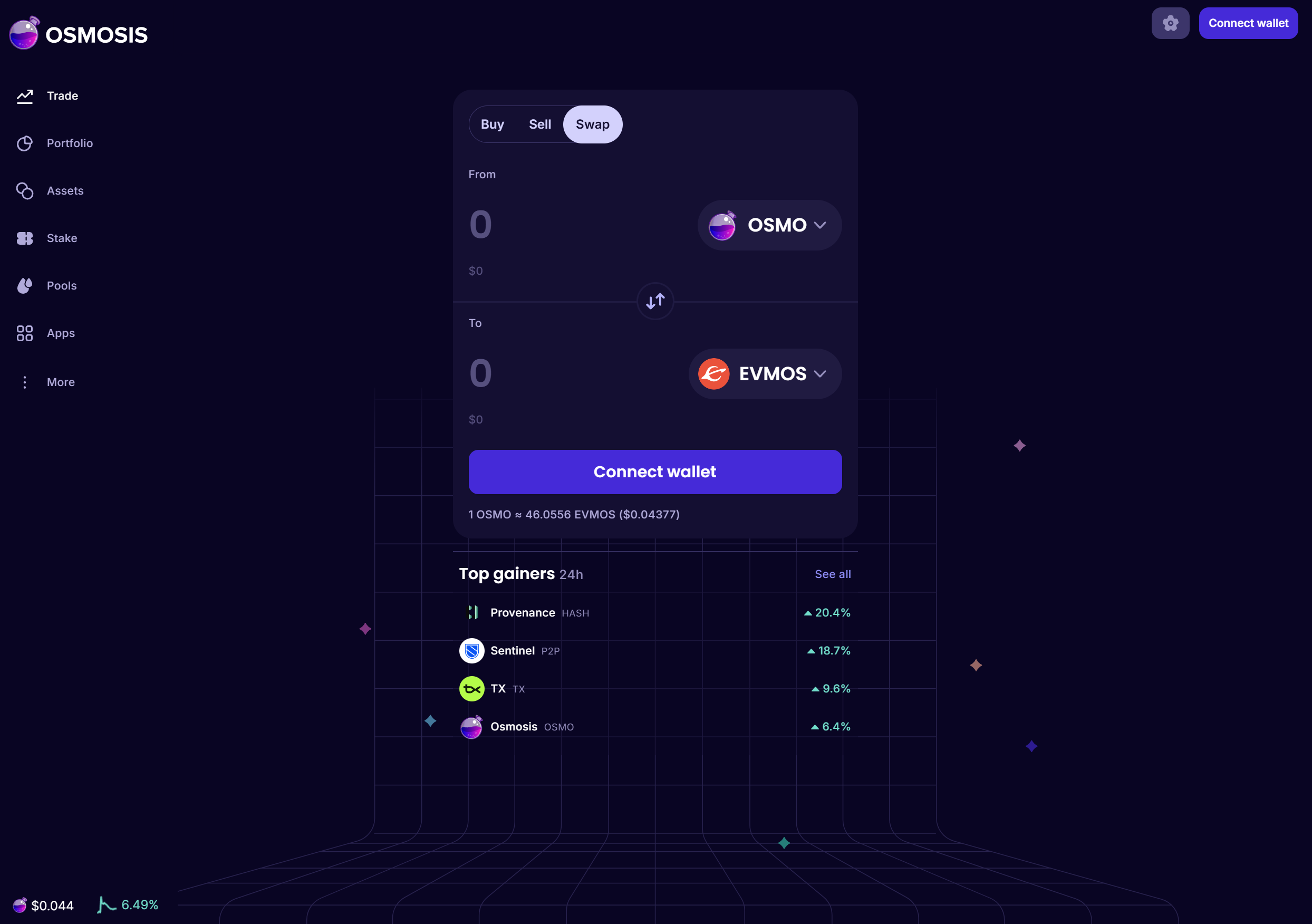
Connect Wallet
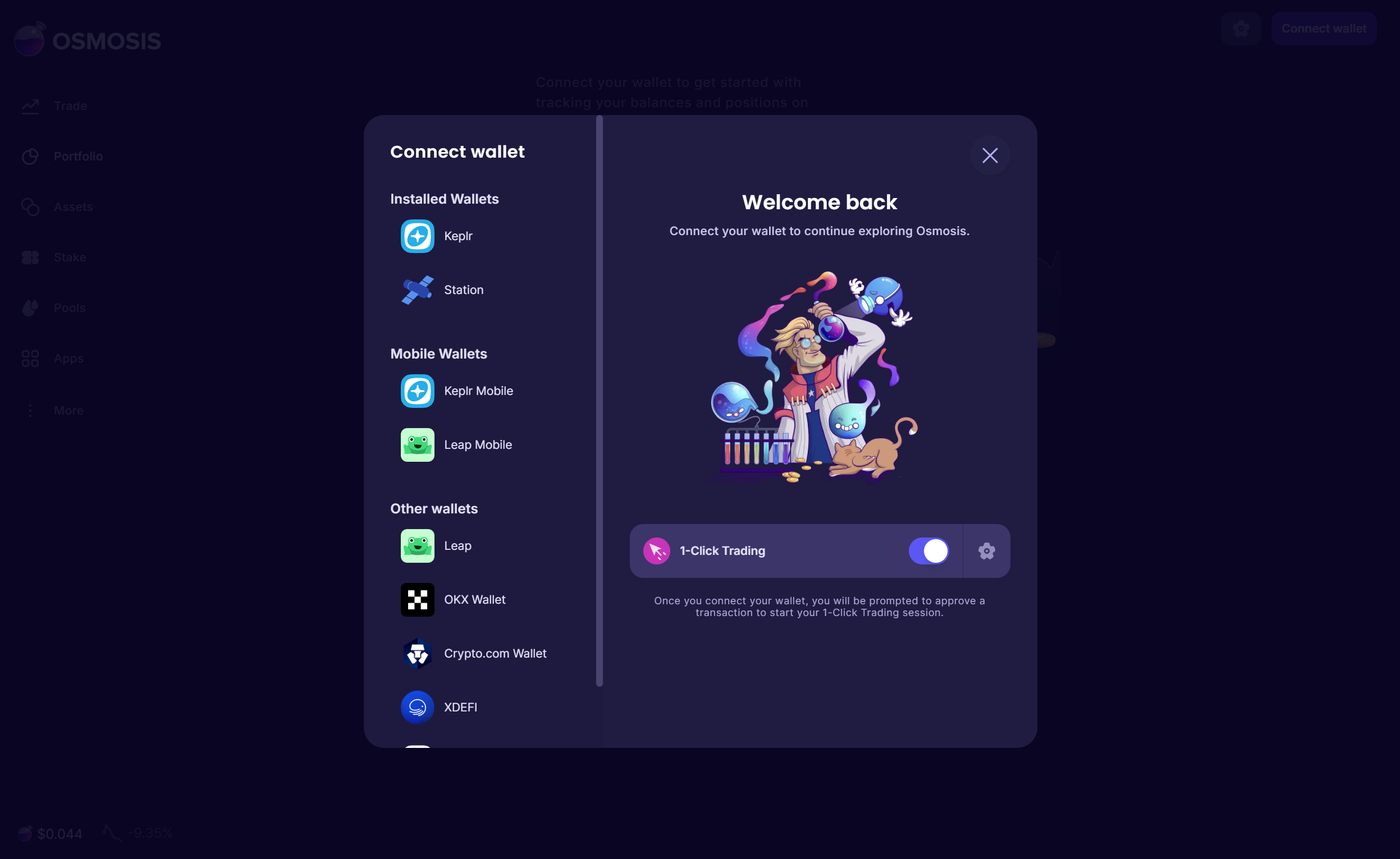
Connect your wallet and click Approve. This confirms you are connecting to app.osmosis.zone on the chain osmosis-1. Always check the app name and network (osmosis-1) in the approval popup before approving.
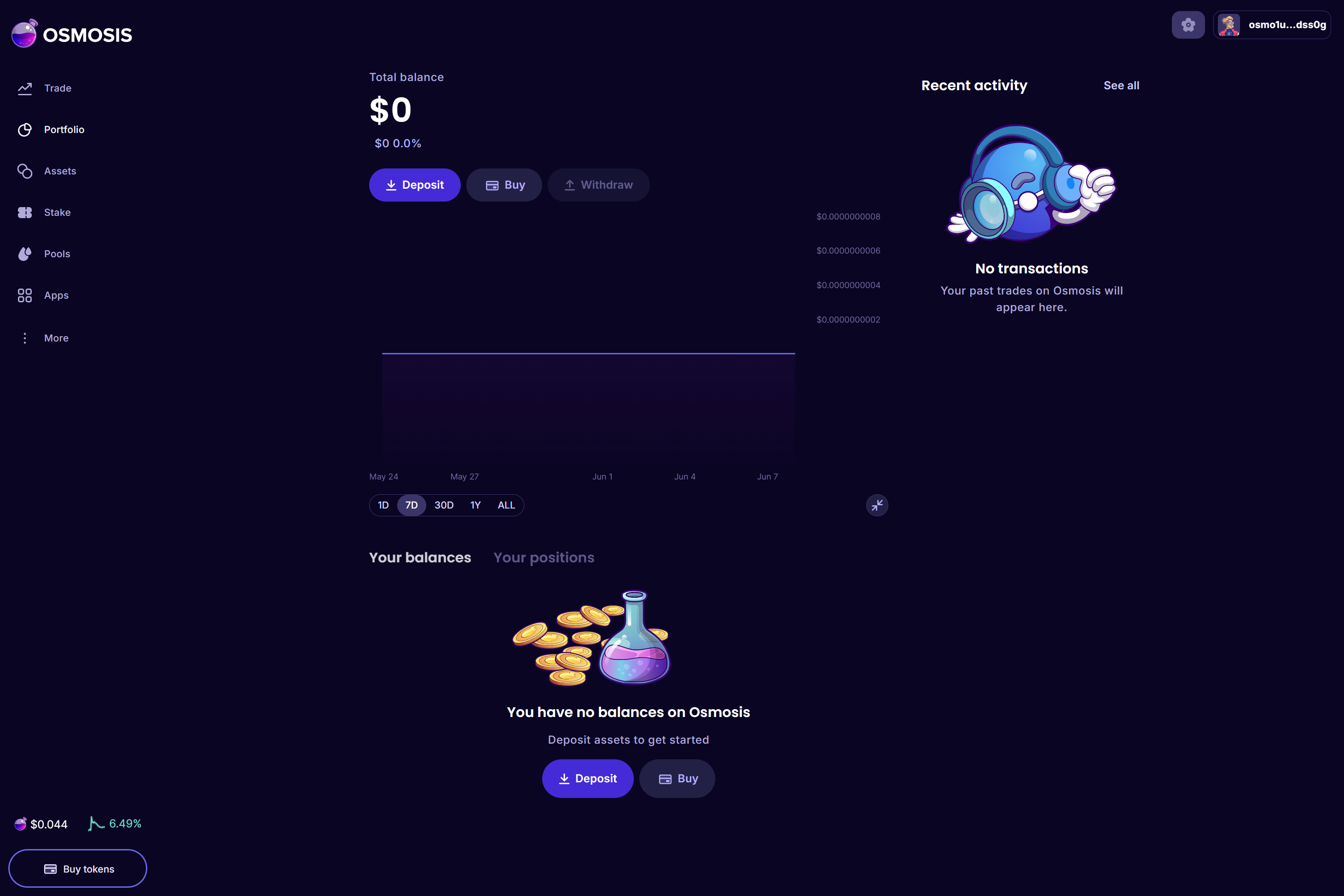
Deposit Funds
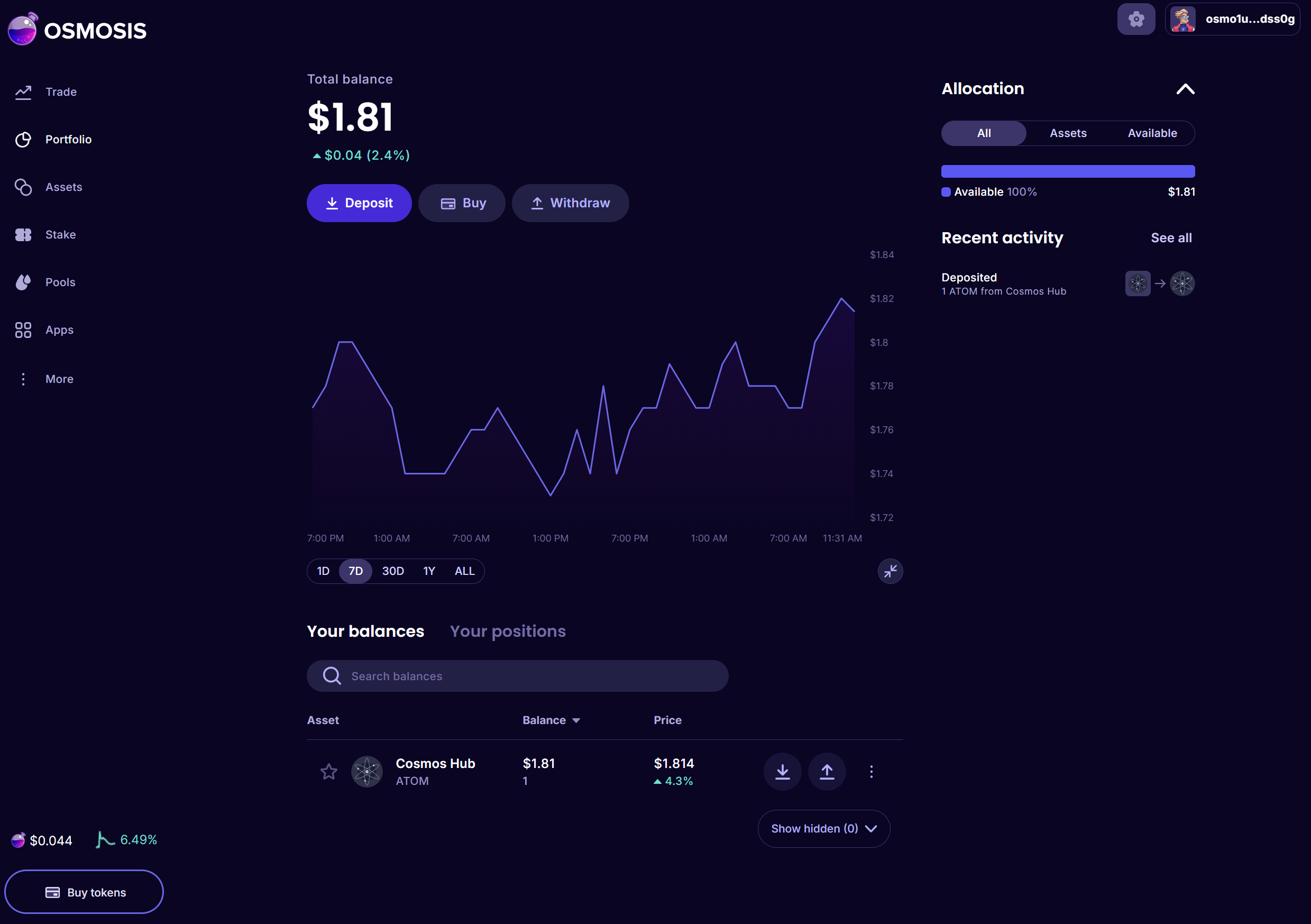
Most assets reach Osmosis over IBC from their home chain. To bring funds in, go to the Portfolio page and click Deposit next to the asset you want to bring in. For this example we deposit ATOM.
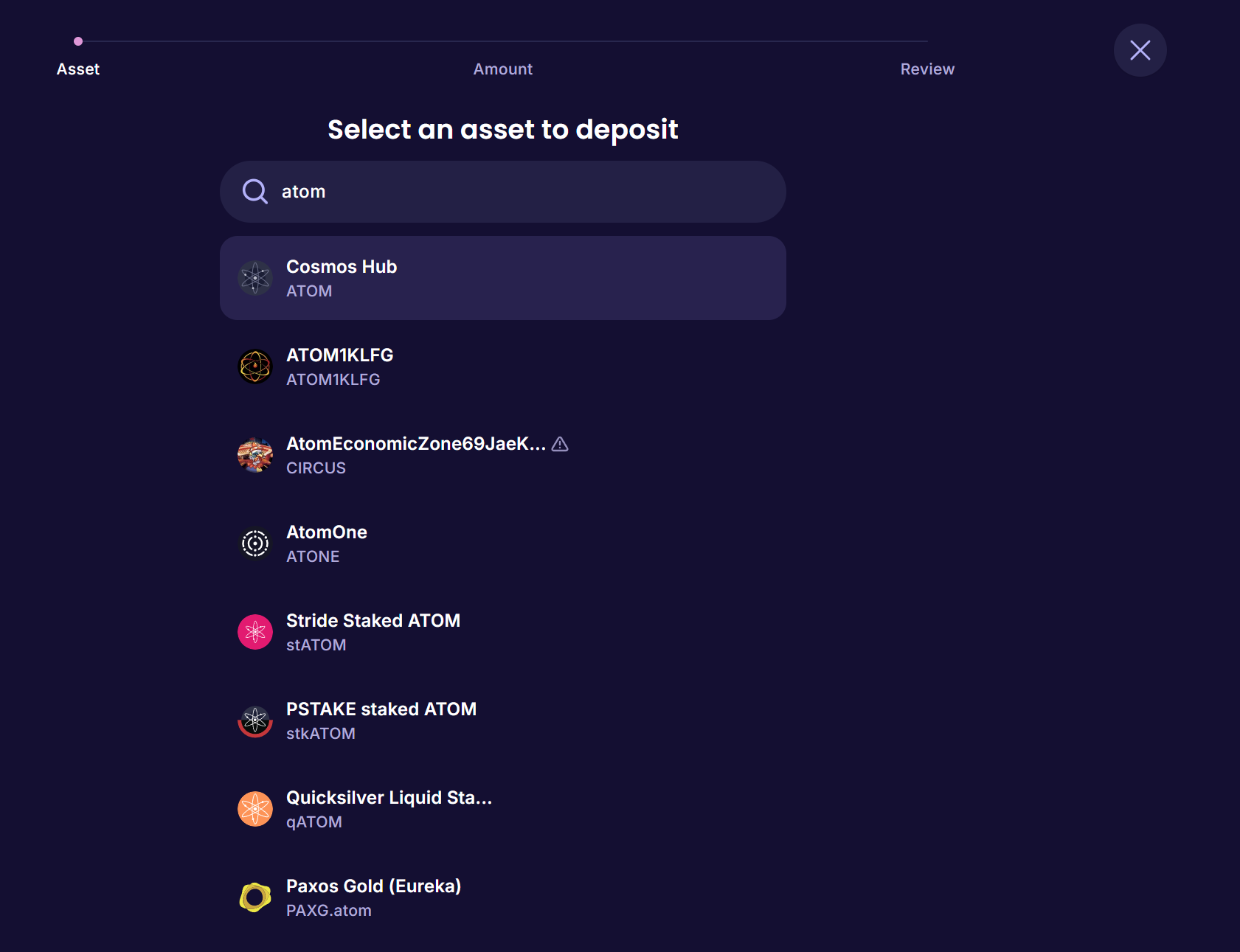
Select the asset and the source chain it is coming from.
Enter the amount you want to transfer.
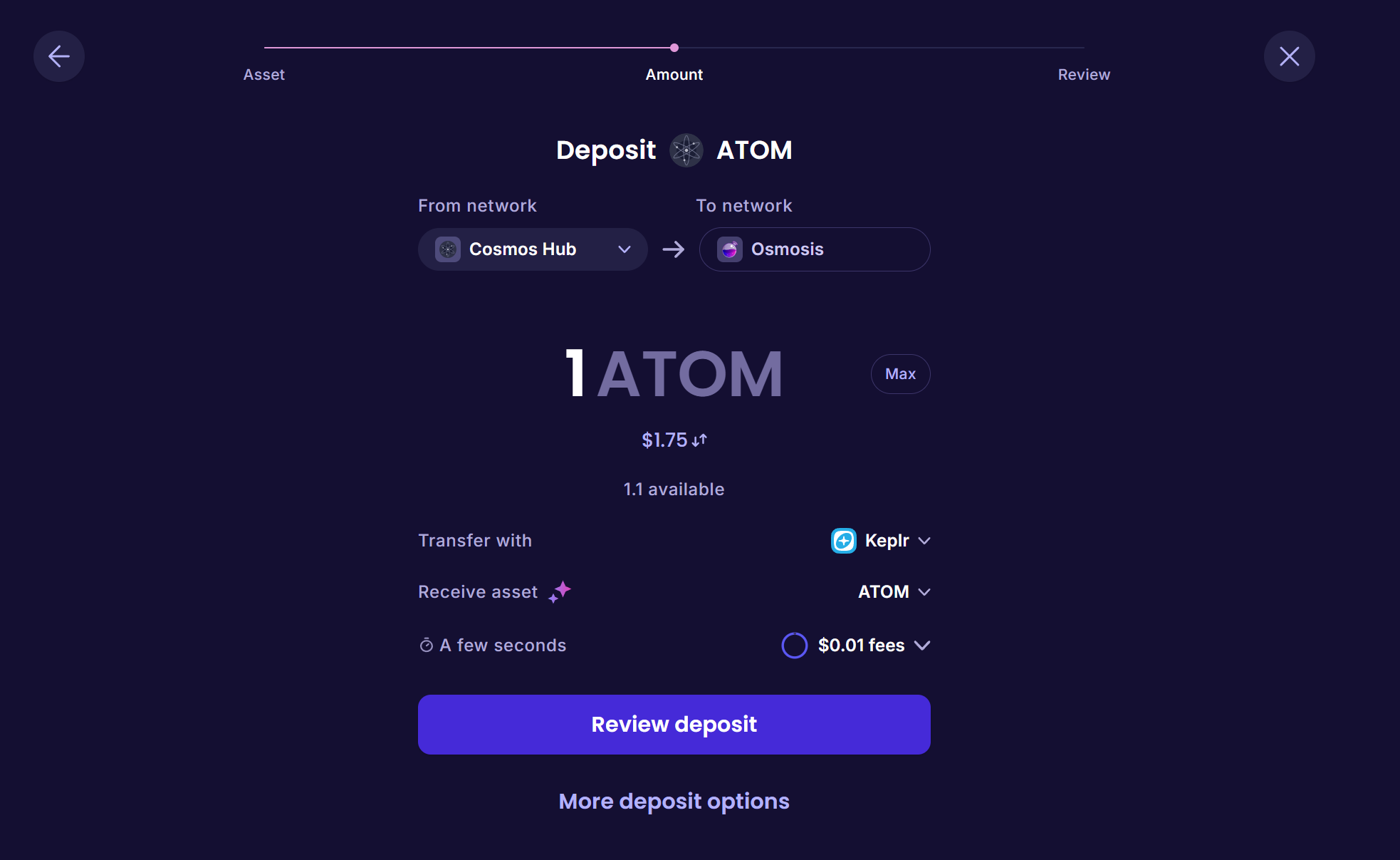
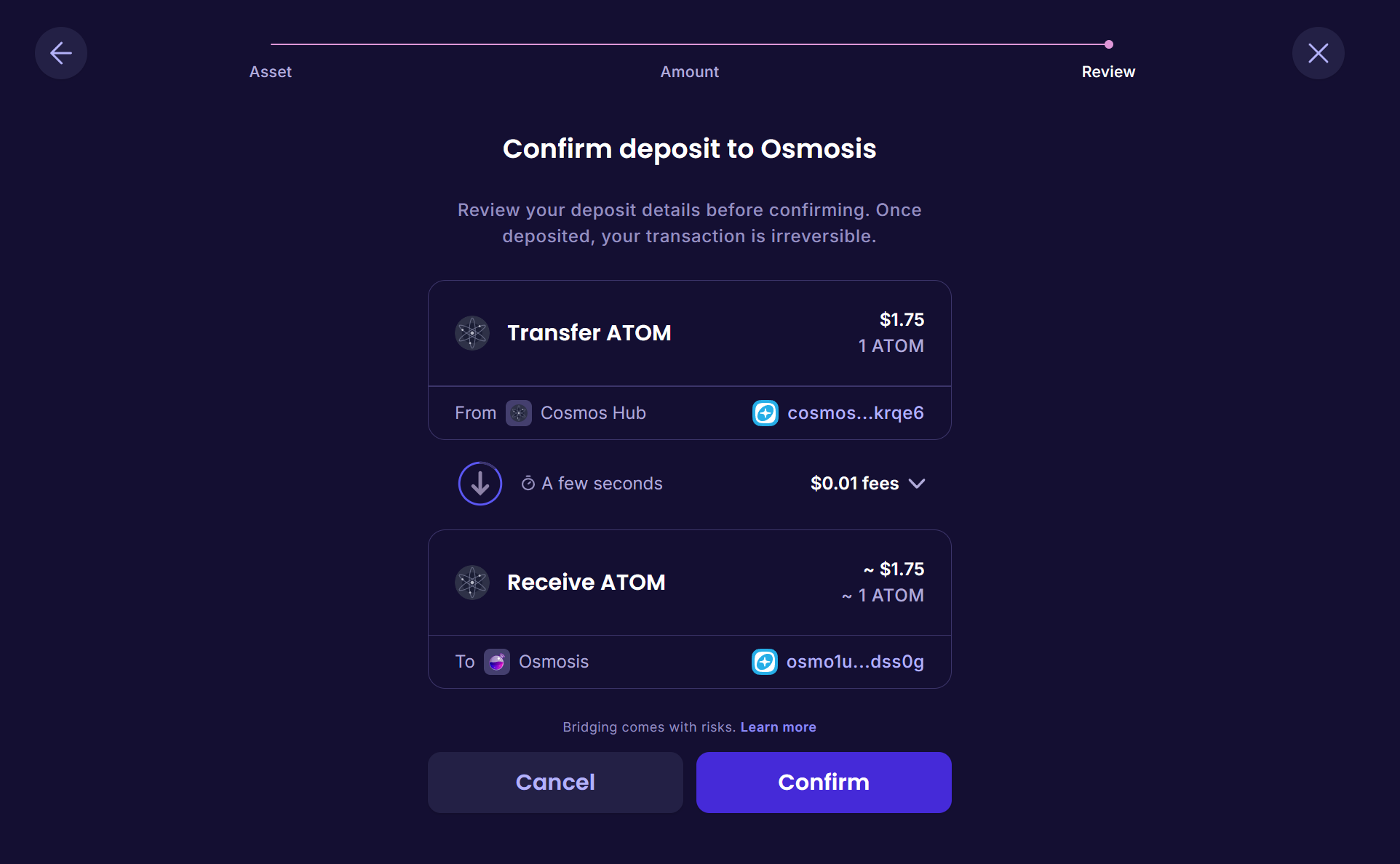
Review the transfer details and confirm.
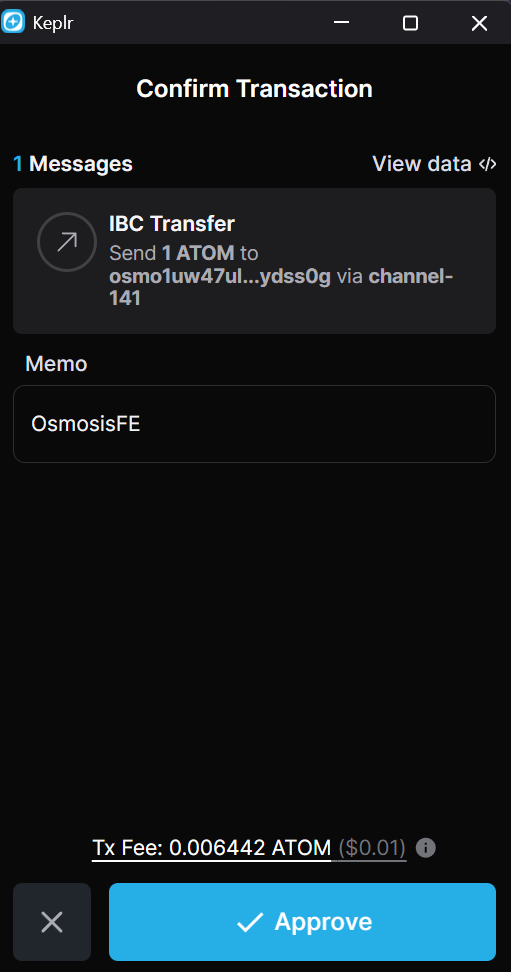
Approve the transaction in your wallet.
A progress indicator appears in the top right while the IBC transfer completes.
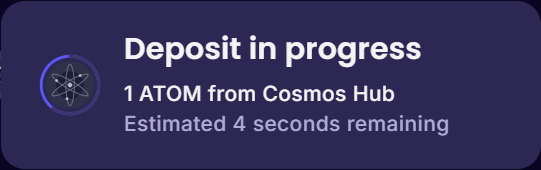
Once the transfer finishes, your balance is available on Osmosis and ready to trade.
Next steps
You are ready to use Osmosis. From here:
- Trade: How Trading Works explains pools, price impact, slippage, and fees, then make a swap from the Trade page.
- Earn: Providing Liquidity covers supplying assets to a pool and earning fees and incentives.
- Stake and vote: Staking and Governance covers delegating OSMO and participating in governance.