Verify
List onto the Osmosis Frontend
Once an asset is registered and auto-listed, it appears on the frontend as an unverified asset. From there, meeting the verification criteria upgrades it to verified, which is what makes it visible by default. The two tiers are described below.
The production frontend at app.osmosis.zone reads pool state, routing quotes, and token prices from the Sidecar Query Server (SQS) (sqs.osmosis.zone), not directly from chain RPC. If you are running a fork of the frontend or building anything that needs to mirror its data, point at SQS first.
Unverified assets
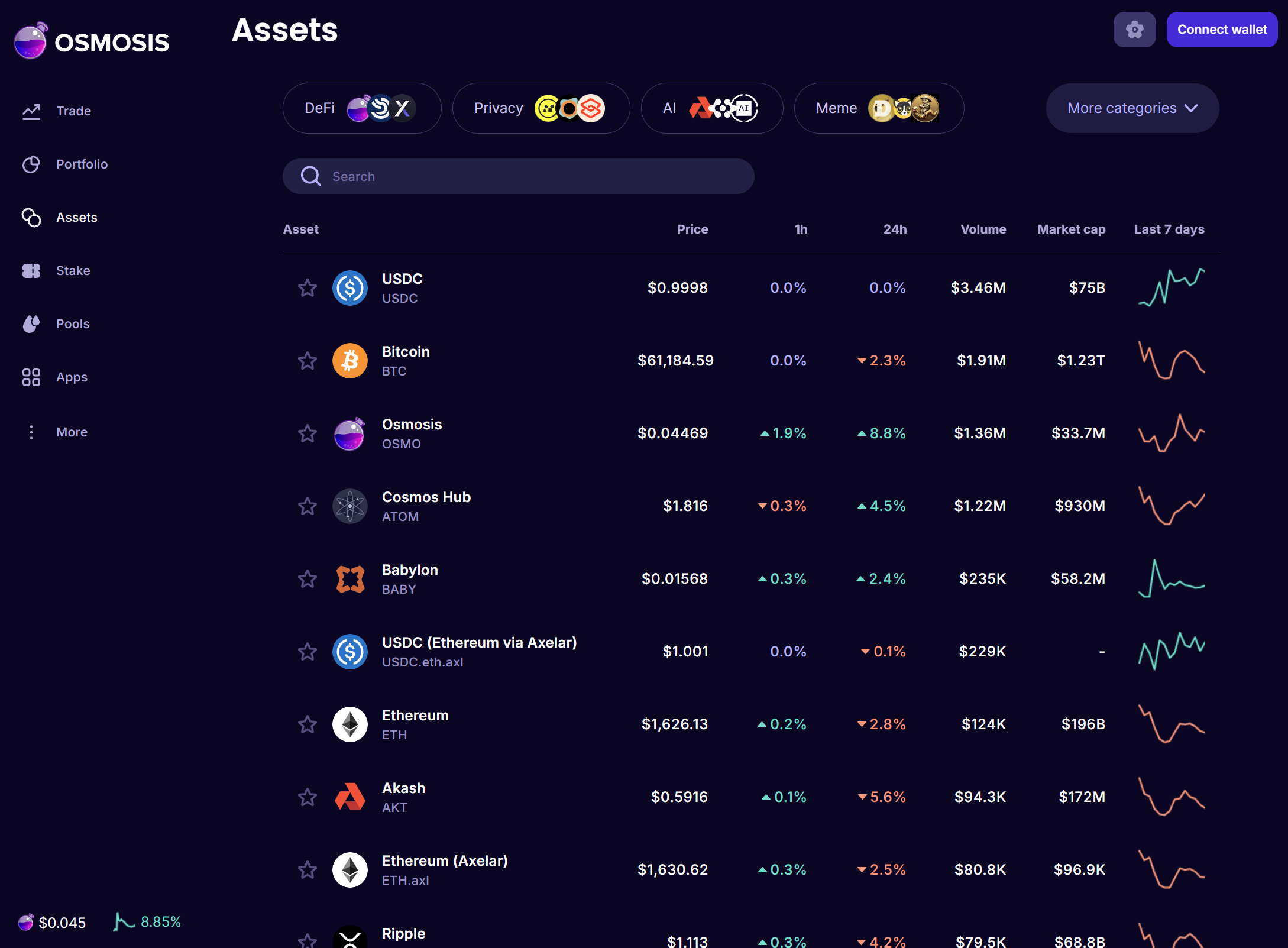
Listing an asset as unverified is close to permissionless: nearly any registered asset is accepted, subject to anti-scam screening (it cannot imitate another asset's name, symbol, or logo, and the submitting GitHub account should have a real contribution history). An unverified asset is hidden by default; users see it only after toggling Show Unverified Assets on in the settings (Cog) menu.
Verified assets
Verified status is what makes an asset visible by default, including on the Swap page, without the unverified toggle. It is permissioned: a maintainer validates the asset, and it must meet liquidity and quality criteria. As of writing, verification requires at least one pool containing at least $1,000-worth of each asset as liquidity, with minimum depth (a ±2% depth of $50, and a $50 bid quoting at least $49 of any other asset in the pool), alongside complete asset metadata on the Cosmos Chain Registry. Constituents of alloyed assets qualify automatically.
Separate from verification, the assetlists repo also describes a full integration tier, recommended for the best user experience: on the order of $10k of liquidity on Osmosis, with at least one pool of an approved type (concentrated liquidity, stableswap, transmuter/alloyed asset, or Astroport PCL; a weighted pool does not satisfy this), plus a correct CoinGecko ID and a high-quality logo.
Because these criteria change, treat LISTING.md in the assetlists repo as the source of truth, and see Liquidity for how to source the required liquidity. To request the upgrade, open a PR setting osmosis_verified: true for the asset, citing a qualifying pool ID.